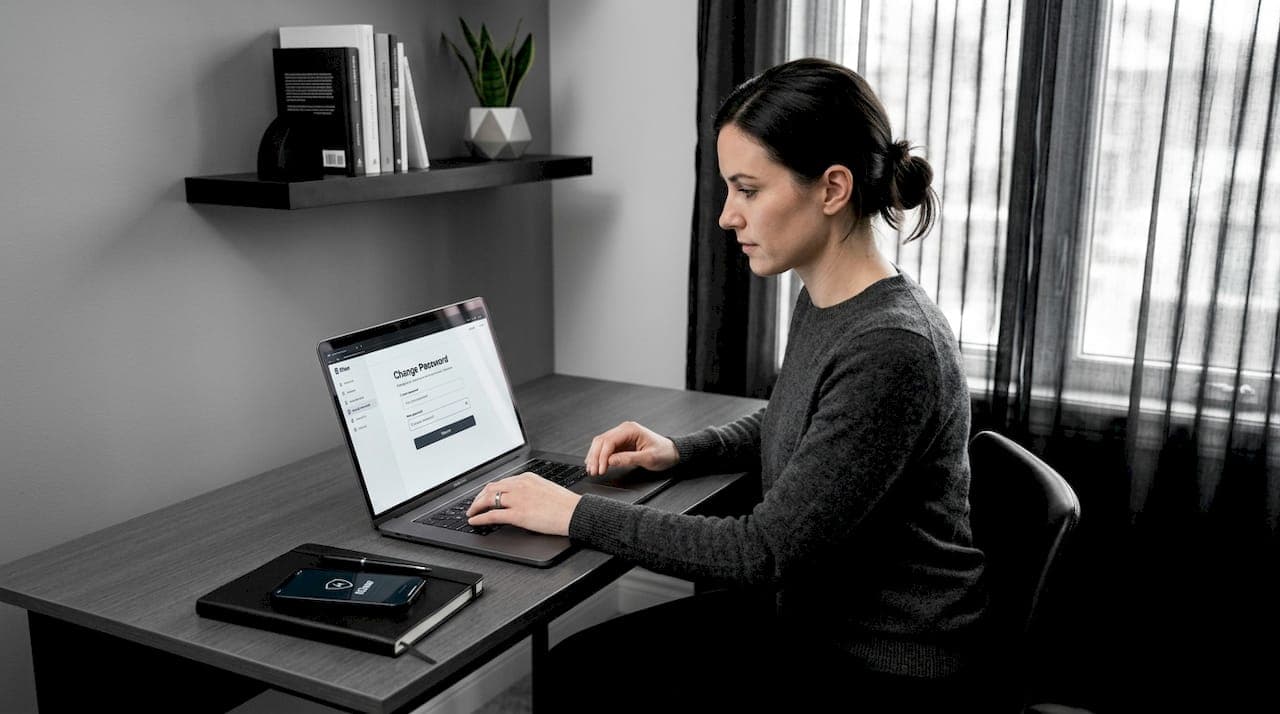
Finding out your password was exposed in a breach is genuinely alarming. The window to secure accounts after a password leak is short, and every hour you wait increases your risk of account takeover, identity theft, and financial fraud. 94% of leaked passwords were reused across multiple services, which means one compromised credential can unlock dozens of accounts. This guide walks you through exactly what to do, in the right order, so you can stop the damage fast and build real protection that holds.
Table of Contents
- Key takeaways
- What to do before you secure accounts after a password leak
- Step-by-step: changing passwords and locking down accounts
- Choosing the right multi-factor authentication method
- Monitoring suspicious activity and protecting your finances
- Common mistakes that undo your recovery progress
- My take on why the master account changes everything
- How Klawusa helps you stay protected after a breach
- FAQ
Key takeaways
| Point | Details |
|---|---|
| Start with your master account | Lock down your primary email first, since it controls password resets for everything else. |
| Replace passwords completely | Never tweak an old password. Generate a fully new, random one for every account using a password manager. |
| Add strong MFA immediately | Use an authenticator app or hardware key, not just SMS, to prevent account hacking. |
| Freeze your credit | Place free freezes at all three major bureaus to block fraudulent account openings. |
| Monitor and act fast | Set up alerts and report unauthorized charges within hours to maximize your chance of reversal. |
What to do before you secure accounts after a password leak
Before you start changing passwords at random, take five minutes to prepare. Moving without a plan means you will miss accounts, lose access to recovery tools, or create new vulnerabilities while fixing old ones.
Here is what to gather and set up first:
- Your master email address. This is the inbox you use for password reset emails. It is the most critical account you own. If you are not sure which one it is, check where account confirmation emails land for your bank, social media, and shopping accounts.
- A password manager. If you do not have one yet, install one now. Options like Bitwarden, 1Password, or similar tools generate and store long, random passwords so you never have to remember them or reuse them. 78% of users reuse passwords, and 32% store them in unencrypted notes. A password manager eliminates both habits.
- A device for your 2FA app. Download an authenticator app like Google Authenticator or Authy on your phone before you start. If you have a hardware key like a YubiKey, keep it nearby.
- A list of your accounts. Think through every service you use: email, banking, social media, streaming, shopping, work tools, health portals, and anything tied to your leaked email address.
- Recovery phone and backup codes. Check that your recovery phone number is current and accessible. Many accounts let you generate backup codes during 2FA setup. Save them somewhere secure.
Pro Tip: Run your email through Klawusa's free breach scanner before you start. It checks against over 10,000 breach databases and tells you exactly which services were exposed, so you can prioritize with real data instead of guessing.
Step-by-step: changing passwords and locking down accounts
Order matters here. Rushing to change your Netflix password while your email is still compromised accomplishes almost nothing. Follow this sequence.
-
Change your master email password first. Go directly to your email provider's security settings. Generate a new password using your password manager. Make it at least 16 characters with no recognizable words or patterns. Do this before anything else.
-
Enable 2FA on your email account immediately. Do not skip this step. Use an authenticator app, not SMS, for reasons covered in the next section. Save your backup codes.
-
Revoke all active sessions and connected apps. Changing a password alone does not log attackers out if they already have an active session. Go to your email's security settings and look for "active sessions," "connected devices," or "authorized apps." Revoke everything except your current device.
-
Move to financial accounts next. Banks, credit cards, investment platforms, and payment apps like PayPal or Venmo come second. Change each password to a unique, randomly generated one. Enable 2FA on every account that supports it.
-
Work through remaining accounts by risk level. Social media accounts can be used for impersonation and fraud. Work accounts may expose colleagues or sensitive data. Shopping accounts store payment info. Go through your list and update every password.
-
Check for reused passwords across services. Your password manager will flag duplicates. Every reused password is a live vulnerability right now. Replace each one with something unique.
Here is what to watch for during this process:
- Do not tweak your old password by adding a number or symbol at the end. Attackers use credential stuffing tools that test variations automatically.
- Do not skip accounts you rarely use. Dormant accounts are common entry points.
- Do not reuse your master password or any variation of it on any other service.
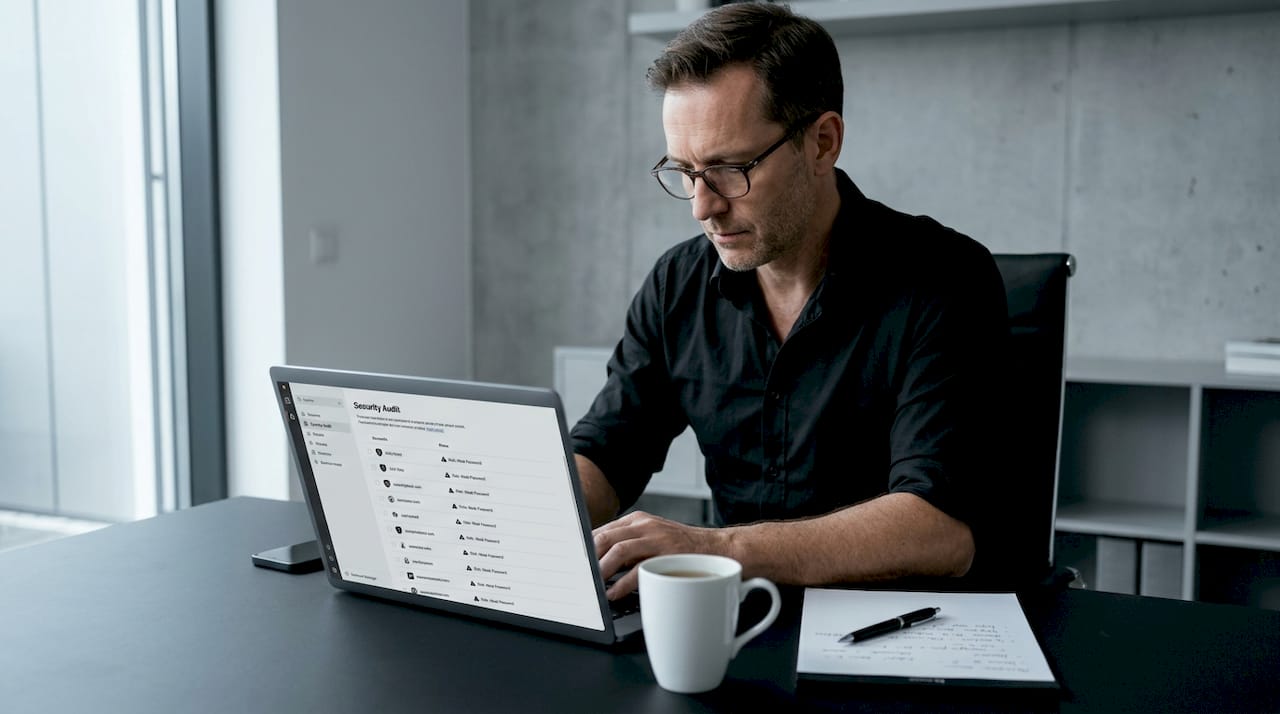
Pro Tip: Most password managers have a "Security Audit" or "Watchtower" feature that flags weak, reused, and compromised passwords in one view. Run it after your first round of changes to catch anything you missed. You can also review your security audit results through Klawusa's dashboard for a broader picture.
Choosing the right multi-factor authentication method
Not all MFA is equal. The method you choose dramatically affects how well you can prevent account hacking going forward.
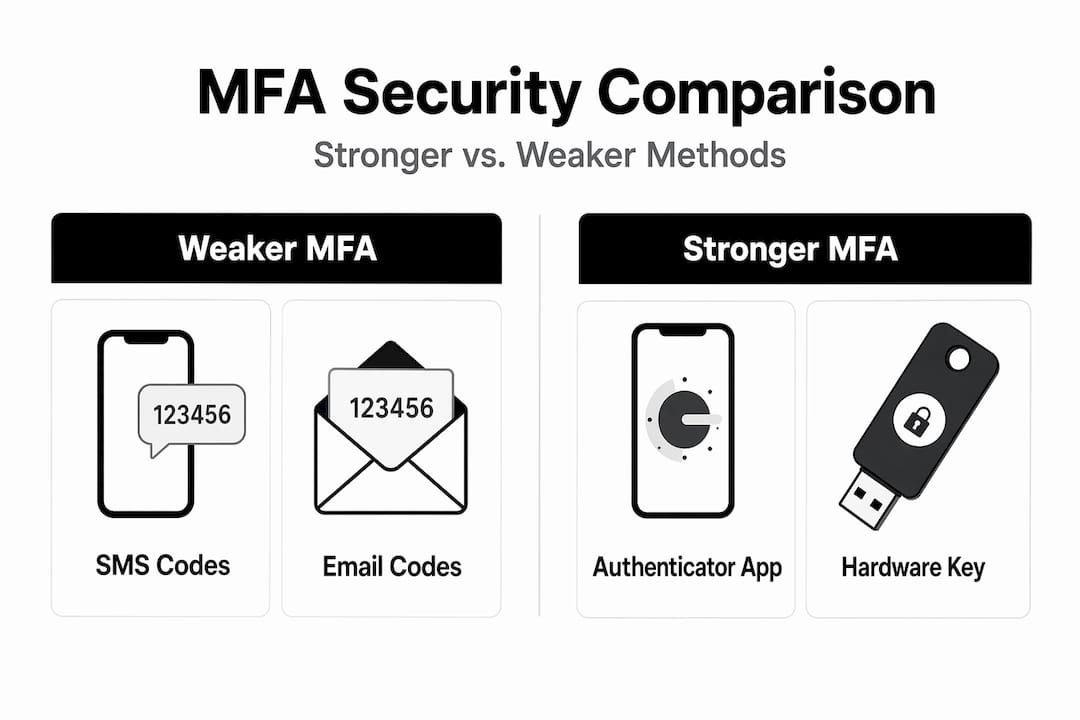
| MFA Method | Security Level | Vulnerability | Best For |
|---|---|---|---|
| SMS text codes | Low | SIM swapping, interception | Avoid if possible |
| Authenticator apps | High | Device theft (mitigated by PIN) | Most accounts |
| Hardware keys (YubiKey) | Very High | Physical loss | High-value accounts |
| Passkeys | Very High | Phishing resistant by design | Supported platforms |
SMS-based 2FA is vulnerable to SIM swapping, where an attacker convinces your carrier to transfer your number to their device. It is far better than nothing, but you should replace it with a stronger method wherever possible.
Authenticator apps like Google Authenticator, Authy, or Microsoft Authenticator generate time-based codes that never leave your device. They are not transmitted over the phone network, so they cannot be intercepted the same way SMS codes can.
Hardware keys and passkeys sit at the top of the security hierarchy. Passkeys and hardware security keys are phishing resistant by design because they verify the actual domain before authenticating. A fake login page cannot steal a hardware key response. For your email, banking, and any account holding sensitive data, this level of protection is worth the setup time. Check Klawusa's MFA setup guidance for step-by-step instructions on deploying hardware keys across your key accounts.
Monitoring suspicious activity and protecting your finances
Once your passwords and MFA are updated, the work shifts to detection. You want to catch any unauthorized activity before it becomes a larger problem.
Follow these steps to set up ongoing protection:
-
Enable account alerts on every financial account. Most banks and credit card providers let you set up real-time notifications for transactions, logins, and password changes. Turn them all on. Set the transaction alert threshold as low as possible, even $1, to catch small test charges.
-
Freeze your credit at all three major bureaus. Go to Equifax, Experian, and TransUnion directly and request a security freeze. Freezing credit at all three bureaus is free and blocks fraudsters from opening new accounts in your name. Do not freeze just one. Fraudsters exploit whichever bureau is left open.
-
Check your credit reports. Visit AnnualCreditReport.com and pull reports from all three bureaus. Look for accounts you did not open, hard inquiries you did not authorize, or addresses you do not recognize.
-
Report unauthorized charges fast. Victims have under 4 hours to notify companies of account takeovers for the best chance of reversing unauthorized charges. Chargeback networks reject nearly 60% of cases without proper documentation, so screenshot everything and call your bank immediately.
-
Set up identity monitoring alerts. Services like Klawusa send real-time alerts when your data appears in new breaches or on the dark web. Google Alerts on your full name can also surface public activity tied to your identity.
Pro Tip: Identity theft victims face a 25% chance of re-victimization within two years. A credit freeze costs nothing to maintain and is the single most effective long-term barrier against fraudulent account openings. Keep it in place indefinitely, not just for a few weeks.
Common mistakes that undo your recovery progress
Even people who take breach recovery seriously often leave gaps that attackers exploit. Watch out for these:
- Changing passwords on some accounts but not all. If you reused a password anywhere, every account sharing that password is at risk. Partial updates create false security.
- Relying only on SMS for 2FA. It is better than nothing, but a determined attacker can bypass it through SIM swapping. Upgrade to an authenticator app as soon as possible.
- Leaving old sessions active. Changing your password does not kick out an attacker who is already logged in. Always revoke active sessions explicitly after a password change.
- Ignoring outdated recovery settings. If your recovery phone number is an old line you no longer control, an attacker can use it to reset your password. Audit every account's recovery options.
- Delaying the credit freeze. Many people intend to do it and never get around to it. Credit freezes combined with monitoring across all three bureaus provide layered protection that credit monitoring alone cannot match.
- Using a weak master password for your password manager. Your password manager is now the single most important account you have. Use a long passphrase, at least 20 characters, and enable biometric or hardware key authentication on it.
My take on why the master account changes everything
I have seen people spend hours updating passwords on streaming services and social media while their primary email sits wide open. That is the wrong order, and it is a costly mistake.
Your email is not just another account. It is the skeleton key to your entire digital life. Every password reset, every account confirmation, every bank notification flows through it. Losing control of your master account cascades into losing your entire digital identity. An attacker who owns your inbox can reset every other password before you even realize what is happening.
What I have found is that most people underestimate this because email feels ordinary. It is where newsletters go. But the moment a breach happens, that inbox becomes the most valuable target anyone can hit.
My advice is this: treat your email like a vault, not a mailbox. Give it your strongest password, your best MFA method, and your full attention before you touch anything else. Once that account is locked down, the rest of the process becomes far more manageable. The security training checklist from Klawusa is a good resource for building this habit into your regular routine, not just as a one-time response to a breach.
— Lucky
How Klawusa helps you stay protected after a breach
Recovering from a password leak is not a one-time event. Threats evolve, new breaches happen, and your data can resurface on the dark web months after the original incident.
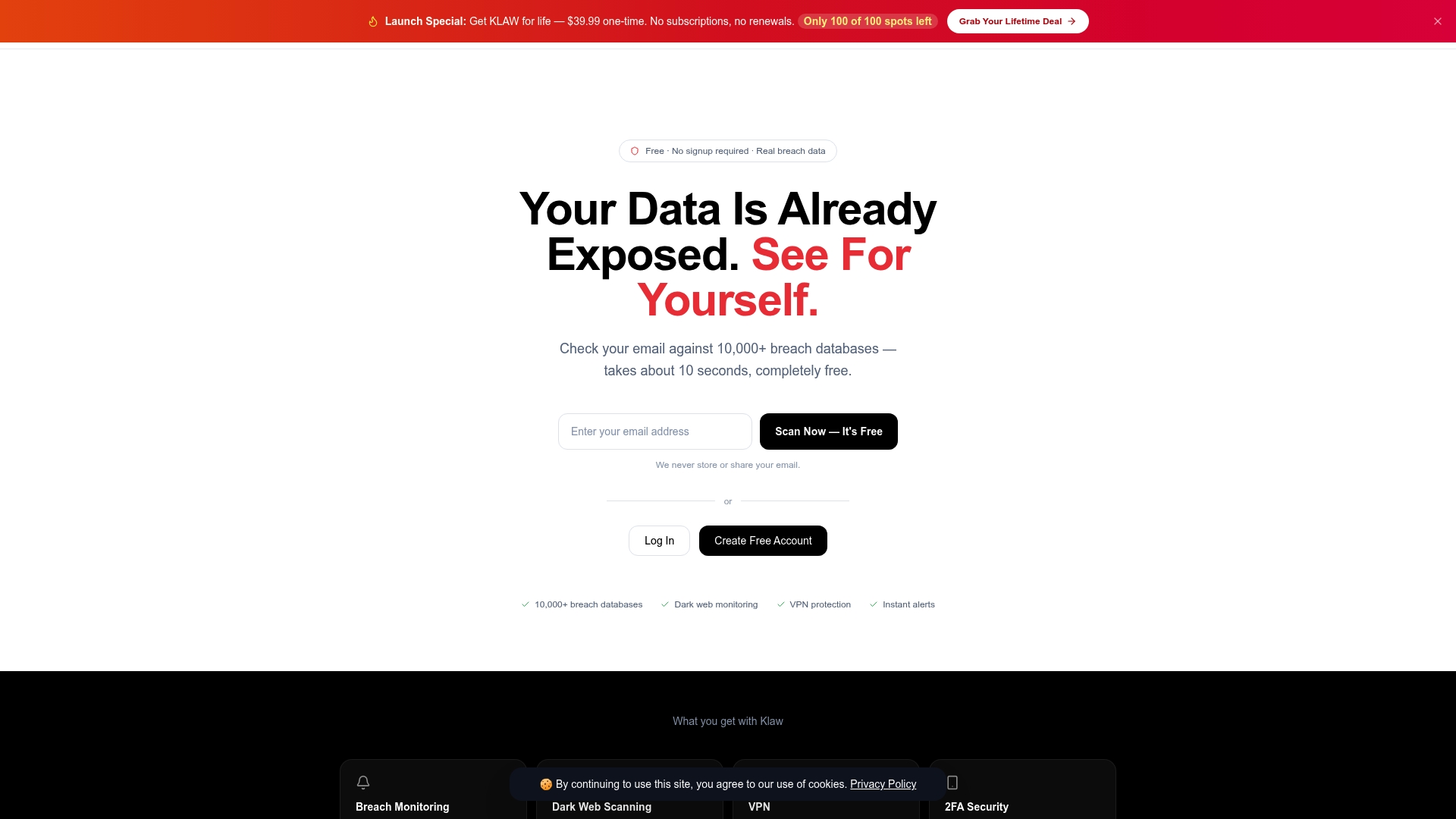
Klawusa gives you the tools to stay ahead of those threats without complexity or hidden fees. The dark web monitoring service scans over 10,000 breach databases and alerts you the moment your credentials appear, so you can act before attackers do. The security trend dashboard gives you a real-time view of your exposure across accounts, helping you track what has been addressed and what still needs attention. Klawusa also handles automated data broker removals and offers VPN access to keep your browsing private while you work through recovery. No subscriptions with surprise charges. No confusing tiers. Just protection that works from day one.
FAQ
What should I do first after a password leak?
Change your primary email password immediately and enable multi-factor authentication on it. Your email controls password resets for every other account, so it is the highest-priority target.
How do I know which accounts were affected by a breach?
Run your email through a breach scanner like Klawusa's free tool, which checks against over 10,000 databases. This tells you which specific services were involved so you can prioritize your response.
Is SMS two-factor authentication good enough?
SMS is better than no 2FA, but it is vulnerable to SIM swapping attacks. Switch to an authenticator app or hardware key for stronger protection, especially on email and financial accounts.
How long should I keep a credit freeze in place?
Keep it in place indefinitely. Credit freezes are free to maintain, and identity theft victims face a 25% chance of re-victimization within two years, making long-term freezes the most practical defense.
Can changing my password lock out an attacker who is already in?
Not automatically. Changing your password does not end active sessions. You must manually revoke all active sessions and connected devices through your account's security settings to fully remove attacker access.