
TL;DR:
- Checking your child's email for breaches is a quick and essential step to prevent long-term identity theft risks. Parents should scan all linked emails, secure the primary account first, and set up ongoing monitoring using free tools like Have I Been Pwned or Klaw. Regular rechecks and educating children about phishing can help maintain their digital safety and protect their future identity.
A data breach checker is a free tool that scans public breach databases to tell you whether a specific email address has been exposed in a known leak. Parents can check if a child's email was breached in under two minutes using Have I Been Pwned, Avast Hack Check, or Klaw's free scan. The stakes are real: a breached email address becomes a target for phishing, account takeover attempts, and, in the worst cases, identity theft that can follow a child for years. This guide walks you through exactly how to check, what to do if you find a hit, and how to keep your child's digital identity protected going forward.
How to check if your child's email has been exposed in a data breach
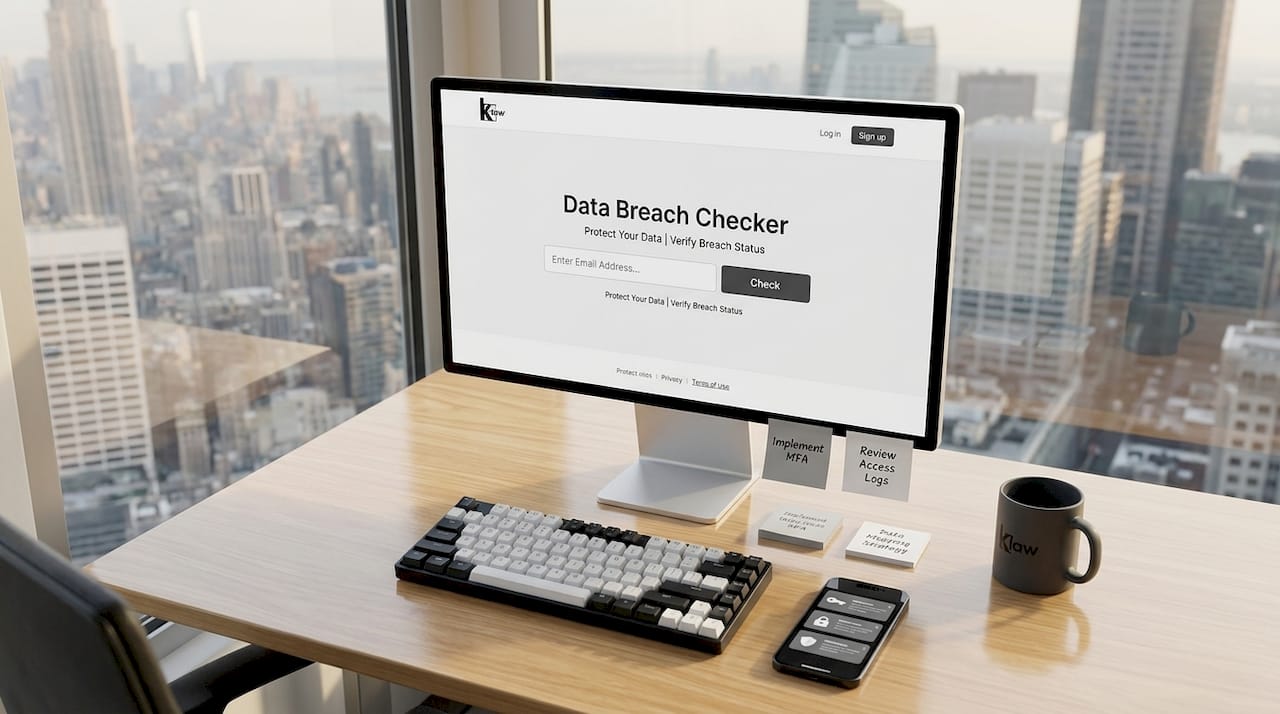
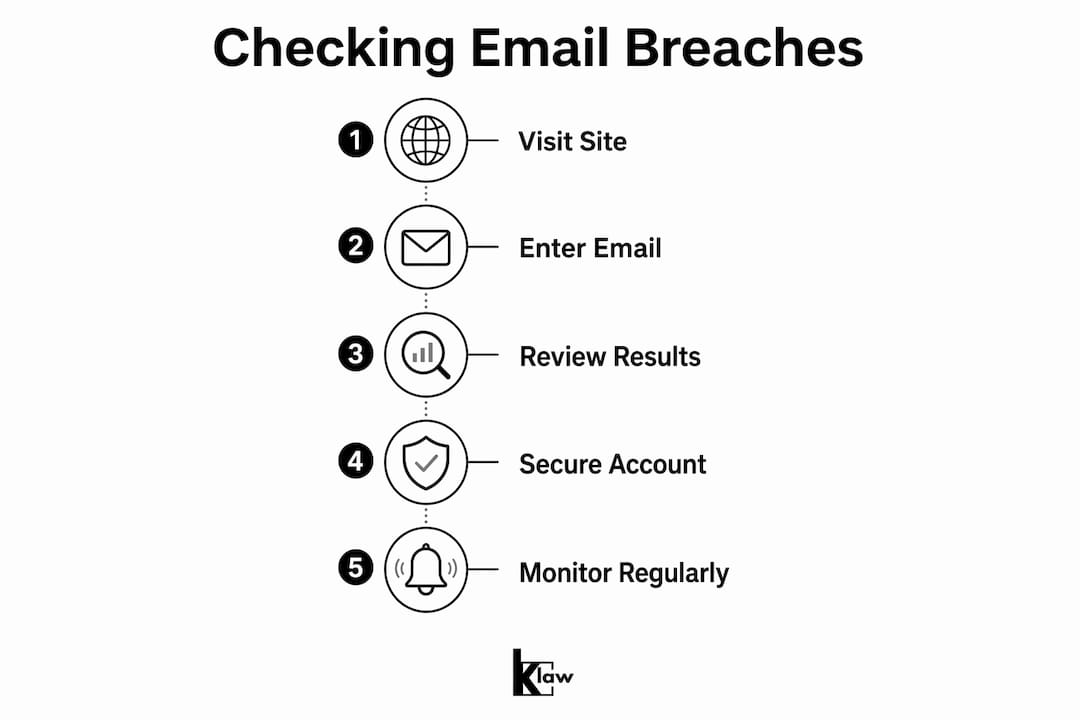
The fastest way to run an email breach checker for kids is to visit haveibeenpwned.com, type in the email address, and read the results. The site cross-references the address against hundreds of known breach datasets and returns a list of every breach where that address appeared, including the name of the service, the date, and what data was exposed. No account creation is required, and the check is free.
One critical mistake parents make is checking only the main email. Secondary and recovery emails linked to a child's primary account are just as vulnerable, and a breach on a recovery address gives attackers a backdoor even if the main inbox is clean. Check every address associated with your child's online accounts, including the email you used to set up their gaming profiles, school platforms, or streaming services.
Pro Tip: Create a dedicated, unique email address for each major category of your child's accounts, such as one for gaming and one for school. If one address is breached, the damage stays contained.
Here is a comparison of the top free tools you can use right now:
| Tool | What it checks | Ease of use | Alerts available |
|---|---|---|---|
| Have I Been Pwned | 700+ breach datasets | Very easy, no login needed | Yes, free email notifications |
| Klaw Free Scan | 10,000+ breach databases | Very easy, instant results | Yes, real-time alerts |
| Avast Hack Check | Multiple breach sources | Easy, requires email input | Limited |
| Google Password Checkup | Google account passwords | Easy, built into Chrome | Yes, within Google account |
Klaw's free breach scan goes deeper than most free tools by cross-referencing over 10,000 breach databases simultaneously, which matters because smaller, less-publicized leaks rarely appear in single-source checkers.
What to do if your child's email is found in a breach
Finding a hit is alarming, but it does not mean someone is actively reading your child's inbox right now. Troy Hunt, the security researcher behind Have I Been Pwned, clarifies that an exposed email address means it appeared in a breach dataset that criminals can purchase and exploit. It does not confirm the inbox itself was accessed. That distinction matters because it changes your response from panic to a focused, ordered set of actions.
The email account itself is the most important thing to secure first. Email is a master key for password resets across every other account your child uses. If an attacker controls the email, they can reset passwords for every linked service. Secure the email before you touch anything else.
Here are the critical post-breach steps to take immediately:
- Change the email password to a long, unique passphrase not used anywhere else. Use a password manager like Bitwarden or 1Password to generate and store it.
- Enable two-factor authentication (2FA) using an authenticator app like Google Authenticator or Authy rather than SMS, which is easier to intercept. Cybersecurity experts and services like Experian recommend 2FA as a standard post-breach response.
- Audit forwarding rules and filters. Attackers set up forwarding rules to silently copy every incoming message to themselves, even after a password change. Check these settings immediately.
- Update recovery options. Verify that the recovery phone number and backup email belong to you, not a number or address the attacker may have substituted.
- Rotate passwords on linked accounts. After securing the email, change passwords on every service that uses it as a login, starting with banking, school portals, and social media.
Pro Tip: Treat your child's email account the way you would treat a house key. Securing the email first locks the front door. Every other account change after that is changing the locks on the interior rooms.
For a full walkthrough on securing accounts post-breach, Klaw's blog covers the process step by step.
How breaches affect your child's identity and online safety
The risks from a breached child email extend well beyond a compromised inbox. Criminals use exposed email addresses as the starting point for phishing campaigns, crafting messages that appear to come from trusted services your child already uses. Because the attacker knows which platforms were breached, the phishing emails can be highly specific and convincing.
The longer-term risk is identity theft. Children are attractive targets precisely because their credit files are clean and parents rarely check them. Warning signs of child identity theft include unexpected credit files appearing in the child's name, unusual bills or collection notices, IRS correspondence, and denied benefits. These signs often surface years after the initial breach, when the child is old enough to apply for credit themselves. That delay is what makes early detection so important.
Here is a breakdown of the risks parents should monitor for:
| Risk category | What it looks like | When to act |
|---|---|---|
| Phishing attacks | Suspicious emails asking for login or personal info | Immediately after breach discovery |
| Account takeover | Locked out of gaming, school, or social accounts | Within 24 hours of breach confirmation |
| Identity theft | Unexpected credit files, bills, or IRS notices | Ongoing monitoring, check annually |
| Credential stuffing | Other accounts compromised using same password | Immediately, rotate all shared passwords |
| Dark web exposure | Email and personal data sold in criminal forums | Use dark web monitoring tools continuously |
Understanding how breach databases work helps parents grasp why a single exposed email can create a cascade of risks across multiple platforms and years.
Ongoing strategies to monitor and protect your child's email
Checking for breaches once is not enough. New data leaks happen constantly, and an email address that was clean last month may appear in a newly published dataset today. The right approach is to build a monitoring routine rather than treating this as a one-time task.
Here are the most effective ongoing practices:
- Set up breach alerts. Have I Been Pwned offers free email notifications when an address appears in a new breach. Klaw's threat alert settings allow you to configure real-time alerts across multiple addresses simultaneously, which is useful if your child has more than one account.
- Re-check every three to six months. New breaches are published on a delay. A breach that occurred in 2024 may only appear in public databases in 2026. Regular rechecks catch these delayed disclosures.
- Consider a privacy-focused email provider. Proton Mail's Born Private program lets parents reserve a private, end-to-end encrypted email address for their child before the child is old enough to use it. This limits exposure to the scanning and profiling that standard email providers allow.
- Use a password manager. Bitwarden, 1Password, and similar tools generate unique passwords for every account, eliminating the credential-stuffing risk that makes a single breach so dangerous.
- Monitor your child's credit annually. The three major credit bureaus, Equifax, Experian, and TransUnion, allow parents to freeze a child's credit for free. A freeze prevents anyone from opening new credit in the child's name, which is the most direct defense against identity theft.
- Educate your child about phishing. A breached email address means your child will receive more targeted phishing attempts. Teaching them to recognize suspicious links and requests is a practical layer of protection that no tool can replace.
Using a privacy-first email account for children can prevent future exposure pathways even when past data has already been leaked, because it limits the data available to third parties going forward.
Key takeaways
Checking whether your child's email was breached is a two-minute task that can prevent years of identity theft consequences.
| Point | Details |
|---|---|
| Use multiple checkers | Have I Been Pwned and Klaw's free scan cover different breach datasets; use both for full coverage. |
| Check all linked emails | Secondary and recovery addresses carry the same risk as the primary inbox. |
| Secure email first | The email account controls password resets for every linked service; lock it down before anything else. |
| Monitor for identity theft | Unexpected credit files, bills, or IRS notices in your child's name are the key warning signs. |
| Build a routine | Re-check every three to six months and set up real-time alerts to catch newly published breaches. |
Why parents can't afford to treat this as a one-time check
I have spent years helping families work through the aftermath of data breaches, and the pattern I see most often is this: a parent checks once, finds nothing, and assumes the job is done. That assumption is the most dangerous one you can make.
Breach data does not appear instantly. Criminals often sit on stolen datasets for months before selling or publishing them. The breach that exposed your child's email in 2024 may not show up in Have I Been Pwned until late 2025 or 2026. A single check gives you a snapshot, not a guarantee.
The other thing I want parents to understand is that the risk is not abstract. Child identity theft is specifically attractive to criminals because children do not apply for credit, so the fraud goes undetected for years. By the time your child turns 18 and tries to open a bank account or apply for student loans, the damage is already done and the cleanup is genuinely difficult.
The good news is that the tools available today make monitoring accessible without technical expertise. Free breach checkers, credit freezes, and real-time alert services have removed most of the friction. The only thing standing between your child's identity and a criminal is whether you set up the monitoring or not.
— Lucky
Protect your child's digital identity with Klaw
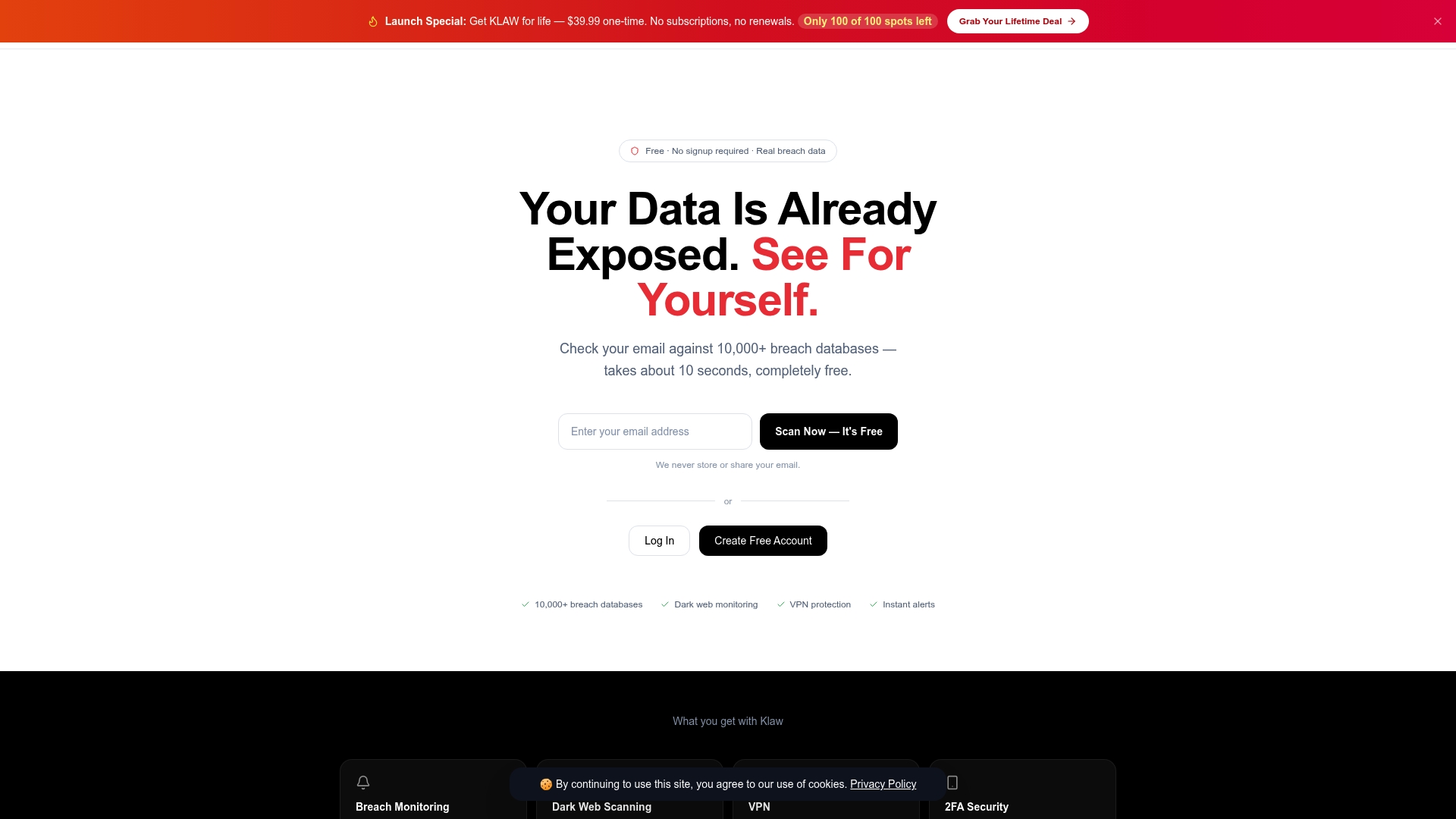
Klaw scans your child's email addresses against over 10,000 breach databases for free, giving you instant results without a subscription or hidden fees. The Security Trend Dashboard shows you which breaches are active and trending, so you know exactly where the current risks are concentrated. Klaw's Dark Web Alerts notify you the moment your child's email or personal data appears in criminal forums, giving you a response window before the damage compounds. For parents who want comprehensive, ongoing protection without managing multiple tools, Klaw brings breach monitoring, dark web scanning, and real-time alerts into one place.
FAQ
How do I check if my child's email was breached?
Go to haveibeenpwned.com, enter your child's email address, and the tool returns a list of every known breach that included that address. Klaw's free scan covers over 10,000 breach databases and provides the same check with real-time alert options.
Does a breached email mean someone hacked my child's inbox?
No. A breached email means the address appeared in a leaked dataset that criminals can access and exploit for phishing or account takeover attempts. It does not confirm that anyone has read the inbox or accessed the account directly.
What is the first thing I should do after finding a breach?
Change the email account password immediately and enable two-factor authentication using an authenticator app. The email account controls password resets for every linked service, so securing it first is the highest-priority step.
How often should I check my child's email for breaches?
Check every three to six months, since new breach data is often published months after the original leak occurred. Setting up free email alerts through Have I Been Pwned or Klaw's threat alert settings provides continuous coverage between manual checks.
Can a child's email breach lead to identity theft?
Yes. Warning signs include unexpected credit files, unusual bills, or IRS notices appearing in your child's name. Parents can freeze their child's credit for free at Equifax, Experian, and TransUnion to block fraudulent account openings.