
TL;DR:
- An exposed email indicates that your address has appeared in breach datasets, signaling potential security risks.
- Responding promptly by changing passwords, enabling multi-factor authentication, and monitoring accounts significantly reduces the threat of active compromise.
An exposed email is defined as your email address appearing in data stolen or leaked from a service, website, or app you have an account with. This is the standard cybersecurity meaning of the term, often called "email exposure" or a "credential leak" in security circles. Your inbox is not necessarily being read by anyone. The exposure means your address is now part of a dataset that criminals can access, trade, or exploit. What matters most is what other data was exposed alongside your email, and how central that address is to your online identity.
What does exposed email mean in cybersecurity?
An exposed email acts as an early warning signal, not definitive proof that someone has broken into your accounts. Think of it like finding your home address listed in a public database you never signed up for. Nothing bad has happened yet, but the information is now out there and available to people with bad intentions.
Exposure happens when a company or service that holds your data suffers a breach, a leak, or a careless data-handling incident. Your email address, along with other account details, ends up in a dataset that circulates beyond the company's control. Services like Have I Been Pwned and DeXpose index these datasets and let you check whether your address appears in them.
The severity of exposure depends heavily on context. An email address alone is low-risk compared to an email paired with a password, a phone number, or a Social Security number. Understanding that distinction is the foundation for knowing how urgently you need to act.
How does email exposure happen?
Email addresses end up in breach datasets through several distinct paths, and knowing which one applies to you changes how you should respond.

Data breaches at companies you use. When a retailer, social platform, or app is hacked, attackers extract user databases. Those databases almost always include email addresses. Major incidents at companies like LinkedIn, Adobe, and Ticketmaster have collectively exposed hundreds of millions of addresses over the past decade.
Careless data handling and leaks. Not every exposure is the result of a sophisticated attack. Companies sometimes misconfigure cloud storage, accidentally publish internal files, or share data with third-party vendors who fail to protect it. These leaks can expose your email without any hacker ever being involved.
Dark web circulation. Once data is breached, it moves quickly. Dark web alerts confirm that your data is circulating among criminals, not that immediate harm is occurring. Breached datasets get packaged, sold, and re-sold on underground forums, meaning a breach from three years ago can still generate fresh risk today.
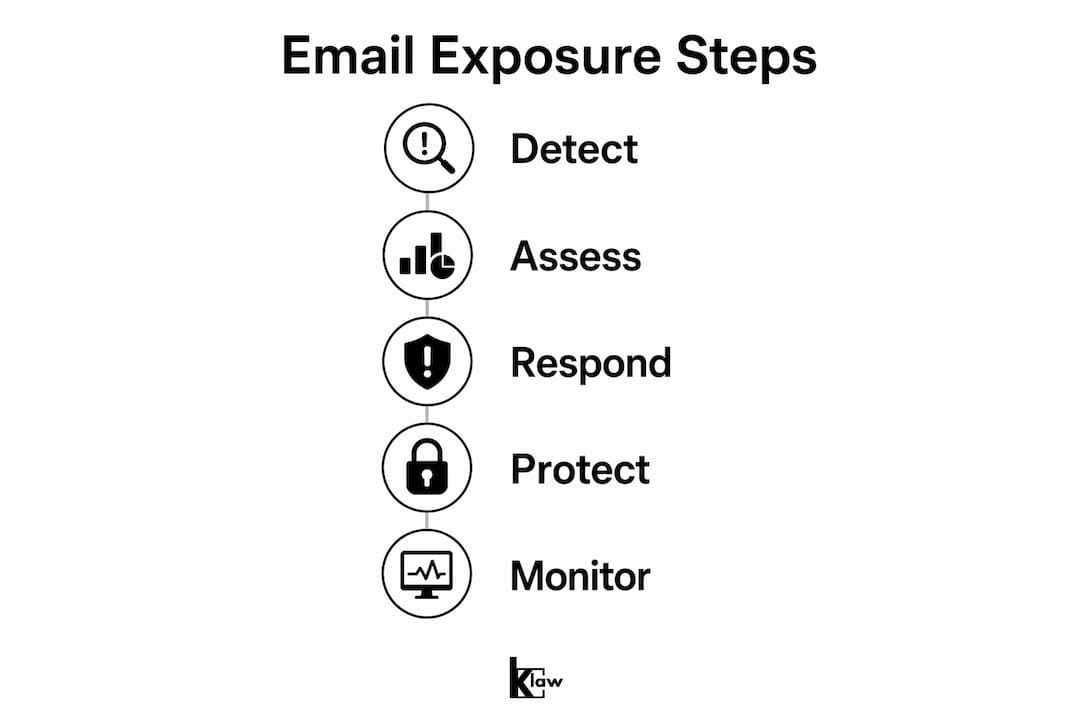
Security practitioners triage exposure into three categories based on what was leaked alongside the email address. Email-only exposure carries primarily a phishing risk. Email plus password exposure opens the door to credential stuffing. Full compromise, meaning active account access by an attacker, is the most severe tier and requires immediate action across every linked account.
Pro Tip: Search your email address on Have I Been Pwned at no cost. The result tells you which specific breaches included your address and what data types were exposed in each one.
What is the difference between exposed and compromised credentials?
These two terms are used interchangeably online, but they describe very different situations with very different urgency levels.
Leaked credentials are exposed but may not yet be actively used. Compromised credentials are actively exploited by threat actors. The gap between those two states can be days, months, or years. That window is your opportunity to act before real damage occurs.
| State | Definition | Immediate risk level | Recommended action |
|---|---|---|---|
| Exposed | Email found in a breached dataset | Low to moderate | Change password, enable MFA |
| Leaked with password | Email and password both in breach data | High | Change password everywhere it was reused |
| Compromised | Attacker actively using your credentials | Critical | Lock accounts, contact providers, monitor identity |
The pathway from exposure to compromise typically follows a pattern. Attackers acquire a breached list, run automated tools to test credentials against popular services, and then either use working logins themselves or sell verified accounts. This process, called credential stuffing, is why reusing passwords across sites turns a low-risk exposure into a high-risk compromise.
Pro Tip: If your email appears in a breach that also exposed passwords, treat every account where you used that same password as compromised, not just exposed. Password reuse is the single biggest amplifier of breach damage.
What risks does an exposed email actually create?
The risks are real and specific. Verified email addresses increase the effectiveness of phishing and social engineering attacks because attackers know the address is active and tied to real accounts.
Here is how attackers typically exploit exposed email addresses:
- Phishing and spear phishing. Generic phishing blasts go to millions of random addresses. Spear phishing targets you specifically, often referencing the service where your email was breached to make the message feel legitimate. An attacker who knows your email came from a specific retailer's breach can craft a fake order confirmation that looks completely real.
- Credential stuffing. Automated tools test your exposed email and password combination against dozens of services simultaneously. Netflix, Amazon, banking apps, and email providers are common targets. If you reused that password anywhere, the attacker will find it.
- Business email compromise (BEC). In BEC schemes, attackers use verified email addresses to impersonate executives, vendors, or colleagues. The FBI has reported billions of dollars in annual losses from BEC fraud, and it starts with a confirmed, active email address.
- Account recovery attacks. Attackers use exposed secondary email addresses to trigger password resets on primary accounts. This is why checking every linked address matters, not just your main inbox.
The nature of the breach also shapes the threat. An old email from a gaming forum breach is far less dangerous than an email from a breach at your bank or healthcare provider. Context determines urgency.
How can you verify if your email is exposed?
Checking for exposure takes less than five minutes and gives you the specific information you need to respond proportionately. Follow these steps:
- Go to Have I Been Pwned (haveibeenpwned.com). Enter your email address. The service checks it against a database of known breaches and returns a list of incidents where your address appeared. It is free and does not require an account.
- Read the breach details, not just the yes/no result. Each breach entry shows the breach name, the date it occurred, and the specific data types exposed. An email-only breach from 2018 requires a different response than a breach from last month that included passwords and payment data.
- Check every email address you own. Attackers exploit any linked address to reset passwords on your primary accounts. Run the check on your work email, your backup address, and any old addresses still tied to active accounts.
- Use additional tools for deeper context. Platforms like DeXpose and KnowBe4's EEC Pro tool provide breach names, dates, and data types exposed to evaluate exposure severity beyond what a basic check reveals.
- Set up ongoing monitoring. A one-time check only tells you about past breaches. New breaches happen constantly, so configure alerts through a monitoring service to get notified when your address appears in future incidents.
What practical steps protect you after email exposure?
Knowing your email is exposed is only useful if you act on it. The response should be proportional to what was exposed, but these steps apply in almost every scenario.
Step 1: Change the exposed password immediately. If the breach included a password, change it on every service where you used that same password. Use a password manager like 1Password or Bitwarden to generate and store unique passwords for each account. Credential rotation is operationally challenging and requires prioritization based on exposure context, so start with financial accounts, email providers, and anything tied to your identity.
Step 2: Enable multi-factor authentication (MFA) everywhere. MFA stops credential stuffing attacks cold. Even if an attacker has your correct password, they cannot log in without the second factor. Authenticator apps like Google Authenticator or Authy are more secure than SMS codes.
Step 3: Monitor for suspicious activity. Check your accounts for logins from unfamiliar locations or devices. Most major services, including Google, Apple, and Microsoft, show recent login activity in their security settings. Unexpected password reset emails are a strong signal that someone is attempting to access your account.
Step 4: Increase your scrutiny of incoming emails. After a breach, your address is on active lists. Be more skeptical of emails asking you to click links, verify accounts, or confirm purchases. Phishing attacks become more convincing when attackers know your email is verified and tied to real services.
Step 5: Consider identity monitoring. For breaches that exposed more than just an email, ongoing monitoring services alert you to new exposures, dark web activity, and suspicious use of your personal data.
"The most dangerous response to an exposed email is no response at all. The window between exposure and active compromise is finite, and acting within it is the difference between a near-miss and real damage."
Pro Tip: After any breach, review your data breach recovery steps systematically rather than reacting to individual alerts. A structured checklist prevents you from missing accounts that share the same compromised password.
Key takeaways
Exposed email is a credential leak signal that demands a proportional response based on what data was exposed alongside the address.
| Point | Details |
|---|---|
| Exposure is not compromise | An exposed email means your address is in a breach dataset, not that your account is actively being accessed. |
| Data type determines urgency | Email-only exposure is lower risk than email plus password, which requires immediate password rotation across all reused accounts. |
| Check all linked addresses | Secondary and recovery email addresses are attack vectors too. Run breach checks on every address tied to your accounts. |
| MFA stops most attacks | Multi-factor authentication blocks credential stuffing even when attackers have your correct password. |
| Ongoing monitoring is necessary | One-time checks miss new breaches. Configure real-time alerts to catch future exposure before attackers act on it. |
Why I treat every exposure alert as a priority, not a notification
Lucky here. After years of working in digital security, the pattern I see most often is not dramatic hacks or sophisticated attacks. It is people who got an exposure alert, assumed it was low-risk, and did nothing. Six months later, a financial account was drained or an email account was used to impersonate them.
The most important thing I have learned is that the email address itself is almost never the real target. It is the key that unlocks everything else. Attackers are not interested in reading your inbox. They want to use your email to reset passwords, bypass MFA, and access accounts with real value.
Remediation of exposed credentials requires thorough system scanning and is often the bottleneck rather than detection. Most people know they were exposed. They just underestimate how many places that same password was used. I have seen individuals discover that a single breach from a low-stakes gaming account gave attackers access to their primary email, their cloud storage, and their streaming subscriptions, all because the password was reused.
My honest recommendation: treat every exposure alert as a prompt to audit your password hygiene across all accounts, not just the one that was breached. The breach is the symptom. Reused passwords are the disease.
— Lucky
Stay ahead of exposure with Klaw
If you found your email in a breach, the next step is knowing whether it has surfaced anywhere else and what other data is circulating alongside it.
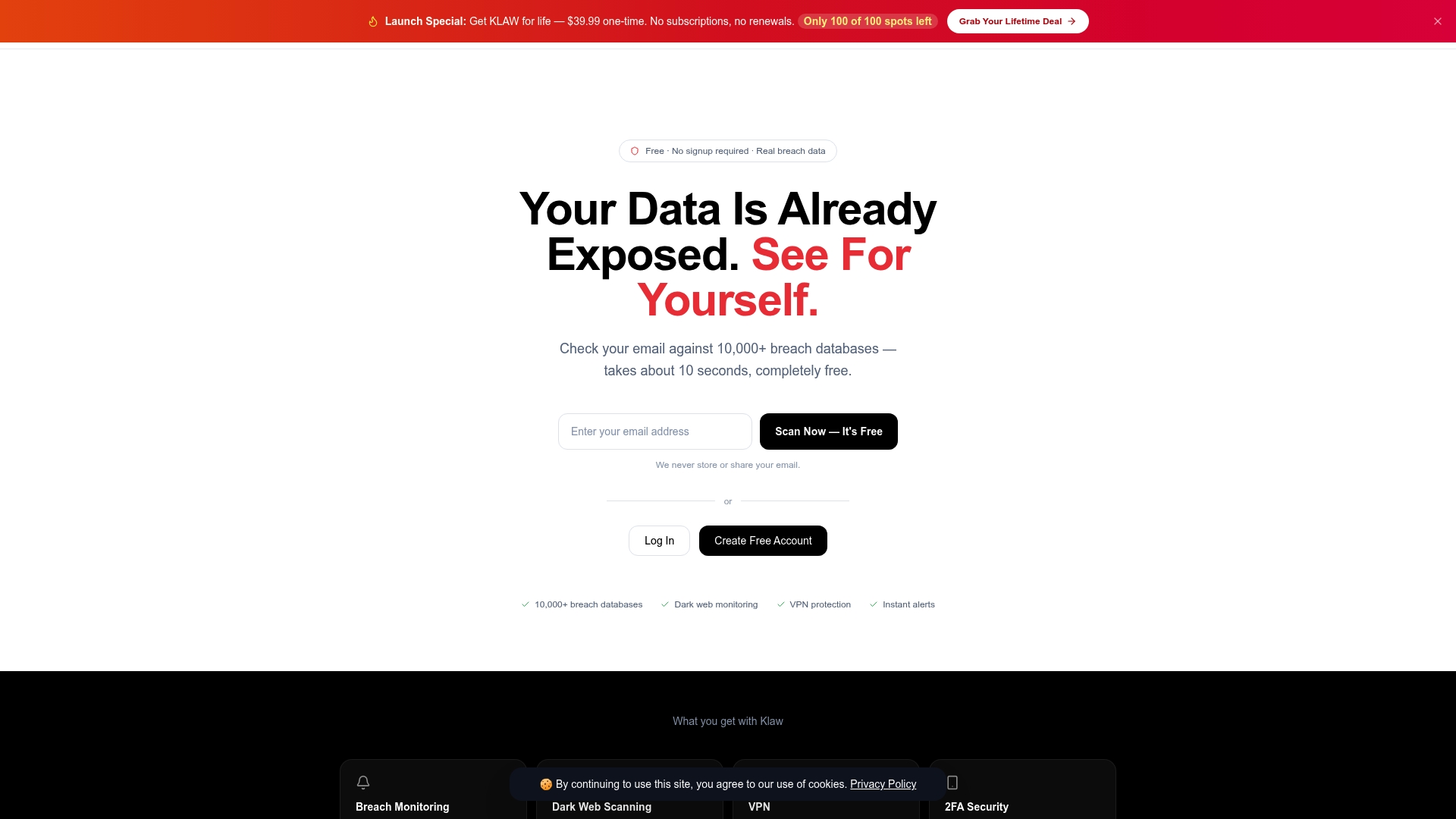
Klaw scans your email against over 10,000 breach databases at no cost, giving you a clear picture of your exposure in minutes. The Dark Web Alerts service monitors underground markets continuously and notifies you the moment your data appears, so you are not finding out months after the fact. The Security Trend Dashboard shows you the threat patterns most relevant to your profile, and you can configure your Threat Alert Settings to match your risk tolerance. No subscriptions, no hidden fees. Start with a free scan and see exactly where you stand.
FAQ
What does it mean when a website says your email is exposed?
It means your email address was found in data from a known breach or leak involving a service you used. It does not confirm that anyone has accessed your accounts, but it signals that your address is circulating in datasets used by attackers.
Is an exposed email the same as a hacked email?
No. An exposed email means your address appeared in a breached dataset. A hacked email means an attacker has active access to your inbox. Exposure can lead to a hack if you do not act, but the two states are distinct.
How serious is email-only exposure with no password?
Email-only exposure primarily increases your phishing risk. Attackers use verified addresses to send more convincing scam emails. Change nothing critical, but increase your scrutiny of incoming messages and monitor for follow-up breaches.
How do I check if my email address has been exposed?
Use Have I Been Pwned at haveibeenpwned.com to search your address against known breach databases for free. For deeper detail on breach dates and data types, tools like DeXpose provide additional context to help you assess severity.
Should I change my email address after exposure?
Changing your email address is rarely necessary unless the address itself is being actively targeted for harassment or fraud. Changing your passwords, enabling MFA, and monitoring for suspicious activity addresses the actual risk more effectively.