
TL;DR:
- Email breach exposure occurs when your email address and personal data are released through compromised databases, often leading to criminal marketplace listings. Using tools like Have I Been Pwned and Klaw allows you to check for breaches and receive alerts, helping you act proactively before attackers exploit your information. Regularly monitoring all your email addresses, updating passwords, and auditing mailbox settings are essential steps for maintaining digital security.
Email breach exposure is defined as the unauthorized release of your email address and associated personal data through a compromised database. Every time a company gets hacked, your credentials can end up in criminal marketplaces within hours. Tools like Have I Been Pwned (HIBP) and Klaw let you check email breach exposure against thousands of known datasets, so you can act before attackers do. Ignoring this check is the single most common reason identity theft goes undetected for months.
How to check email breach exposure: best tools
The most reliable free tool for email leak detection is Have I Been Pwned, which returns breach names and metadata the moment you enter your address. HIBP focuses on confirmed public breach data rather than monitoring every site in real time. That distinction matters: a result from HIBP is verified, not speculative.
Several other tools cover different angles of breach exposure monitoring:
- Have I Been Pwned (HIBP): Free instant lookup, covers thousands of breaches, returns data types exposed
- F-Secure Identity Theft Checker: Free single lookup, no registration required, limited breach depth
- Avast Hack Check: Free lookup with optional email alerts, covers major breach compilations
- RoboForm: Paid password manager with built-in breach monitoring for stored credentials
- Klaw: Free scan against over 10,000 breach databases, includes dark web scanning and real-time alerts
Pro Tip: Run your email through at least two tools. No single database covers every breach, and cross-referencing gives you a more complete picture of your exposure risk.
| Tool | Free Lookup | Breach Alert | Dark Web Scan | Limitation |
|---|---|---|---|---|
| Have I Been Pwned | Yes | Yes (registration) | No | Public breaches only |
| F-Secure Checker | Yes | No | No | No ongoing monitoring |
| Avast Hack Check | Yes | Yes | No | Limited breach depth |
| Klaw | Yes | Yes | Yes | Account needed for alerts |
The free lookup versus registered alert distinction is worth understanding. A one-time lookup tells you your current exposure history. Registering for alerts, like HIBP's NotifyMe service, means you get notified automatically when your address appears in new breaches. That shift from reactive to proactive is where real protection starts.
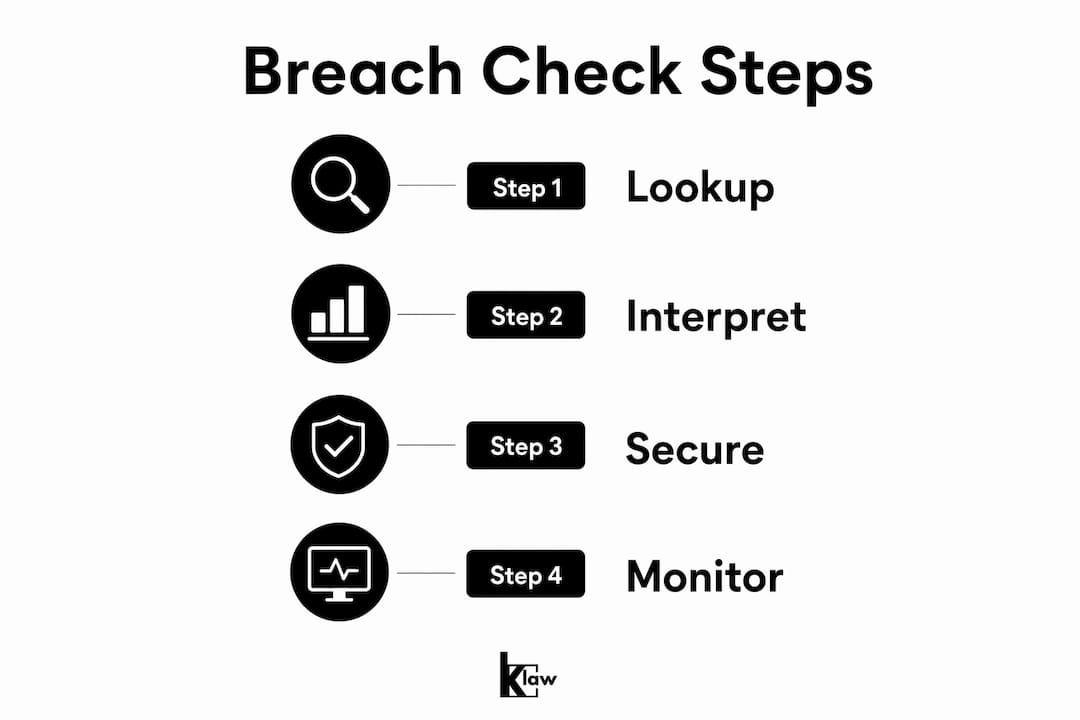
Step-by-step: how to check for email leaks
Before you start, gather every email address you actively use or have used in the past. This includes work addresses, old accounts, and recovery emails. Checking only your primary email is one of the most common security gaps people create without realizing it.
Follow these steps for each address:
- Open haveibeenpwned.com on a trusted device using a secure internet connection. Avoid public Wi-Fi for this check.
- Enter your email address in the search field and click "pwned?" The result loads within seconds.
- Read the breach list carefully. HIBP returns the name of each breach, the date it occurred, and the types of data exposed, such as passwords, phone numbers, or physical addresses.
- Assess severity by data type. Breach severity depends on what data was exposed alongside your email. A breach that exposed only email addresses is lower risk than one that exposed passwords or financial data.
- Record your results. Note which breaches included passwords, because those require immediate action on every account where you used that password.
- Repeat for every email address you own, including old addresses tied to banking, social media, or government portals.
Interpreting results correctly is where most people stumble. A breach result does not prove your mailbox is actively compromised right now. Findings in breach databases are prompts to improve your security posture, not proof of an ongoing attack. Treat them with urgency but not panic.
Pro Tip: Check your kids' email addresses too. Young people often reuse simple passwords across gaming, school, and social accounts, making them high-value targets. Klaw's guide on checking children's email exposure walks through the process specifically for family accounts.

What to do right after finding breach exposure
Securing your email account is the first action you take, before anything else. Your email is the master key for password resets across every service you use. If an attacker controls your inbox, every "forgot my password" link becomes a weapon against you.
Follow this prioritized action sequence:
| Account Type | Priority | Action |
|---|---|---|
| Primary email | Immediate | New password + enable two-factor authentication |
| Financial accounts | Within 1 hour | Change password, verify recent transactions |
| Social media | Within 2 hours | Change password, review connected apps |
| Government portals | Same day | Change password, check for unauthorized filings |
| Secondary emails | Same day | Repeat full breach check and secure |
After changing your email password, do not stop there. Attackers establish backdoors through mailbox rules, forwarding settings, and delegated access, all of which survive a password reset. Open your email settings and check for rules that auto-forward messages to unknown addresses, unfamiliar third-party apps with account access, and any active sessions on devices you do not recognize.
Password reuse is the mechanism that turns one breach into ten compromised accounts. Automated tools test stolen credentials from breaches across hundreds of sites within minutes of a database leak going public. If you used the same password on your email and your bank, both are at risk the moment that breach data circulates.
Change passwords in this order: email first, then financial accounts, then government services, then social and personal accounts. This sequence limits attacker access at the highest-value points first.
Pro Tip: Use a password manager like 1Password or Bitwarden to generate and store unique passwords for every account. This eliminates reuse risk entirely.
If you suspect your identity has already been misused, IdentityTheft.gov provides an official identity theft report and a personalized recovery plan with dispute letters and step-by-step checklists for credit bureau interactions. File a report there before contacting your bank or credit agencies.
How to set up ongoing breach monitoring
A one-time email security check is a starting point, not a strategy. Continuous breach monitoring reduces the risk of missing newly added breach data, because new breaches surface every week and old ones get discovered and added to databases months after the fact.
Setting up HIBP's NotifyMe service takes under two minutes:
- Go to haveibeenpwned.com and click "Notify Me" in the navigation
- Enter your email address and complete the verification step
- HIBP sends a confirmation link to your inbox; click it to activate monitoring
- From that point, breach alerts arrive automatically whenever your address appears in a newly added dataset
Each alert includes the breach name, the date it occurred, and the specific data types exposed, such as passwords or phone numbers. That detail lets you respond proportionally rather than treating every alert as a five-alarm emergency.
Register every email address you own, not just your primary one. Old addresses tied to defunct accounts still appear in breach data and can expose passwords you may have reused elsewhere. For a broader view of breach alert alternatives beyond HIBP, several services cover dark web forums and paste sites that HIBP does not index.
Paid services add depth that free tools cannot match. Dark web monitoring scans criminal marketplaces and private forums where breach data is traded before it becomes public. Klaw combines this with automated data broker removal and real-time alerts, giving you coverage across the full exposure lifecycle. For a deeper look at what breach monitoring covers, the difference between surface-web and dark web detection is significant.
Key takeaways
Protecting your email from breach exposure requires checking all addresses, acting on results in a specific order, and registering for continuous alerts rather than relying on one-time lookups.
| Point | Details |
|---|---|
| Check all email addresses | Secondary and recovery emails carry the same risk as your primary address. |
| Prioritize email account first | Secure your inbox before any other account because it controls password resets. |
| Audit settings after breach | Change passwords and then check mailbox rules, forwarding, and third-party app access. |
| Register for breach alerts | HIBP's NotifyMe and services like Klaw shift your defense from reactive to proactive. |
| Use unique passwords everywhere | Password reuse turns a single breach into multiple compromised accounts within minutes. |
The uncomfortable truth about email security
Most people treat an email breach check as a one-time task, something you do after a scare and then forget. That mindset is exactly what attackers count on.
Your email address is not just a communication tool. It is the authentication backbone of your entire digital life. Every bank, every government portal, every subscription service routes password recovery through your inbox. Losing control of that one account means losing control of everything connected to it. I have seen people change their email password after a breach and consider the job done, only to find six months later that a forwarding rule installed during the breach window had been quietly copying every message to an attacker's address.
The secondary email problem is just as serious. People maintain three, four, sometimes five email addresses across their lifetime, and they check exactly one of them. That old Hotmail address you used to sign up for forums in 2009 is still tied to accounts you have forgotten about. Those accounts still have your name, your old passwords, and sometimes your date of birth. Attackers know this.
The practical advice is simple: run a full inventory of every email address you have ever used, check each one, register each one for alerts, and treat your inbox settings as a security surface that needs regular auditing. Klaw makes the monitoring side of this straightforward. The audit side requires you to actually open your settings and look.
Breach notices are not bad news. They are early warnings. The people who get hurt are the ones who dismiss the notice and do nothing.
— Lucky
Protect your email with klaw's dark web alerts
Knowing your exposure history is step one. Staying ahead of new breaches is the harder part, and that is where automated monitoring pays off.
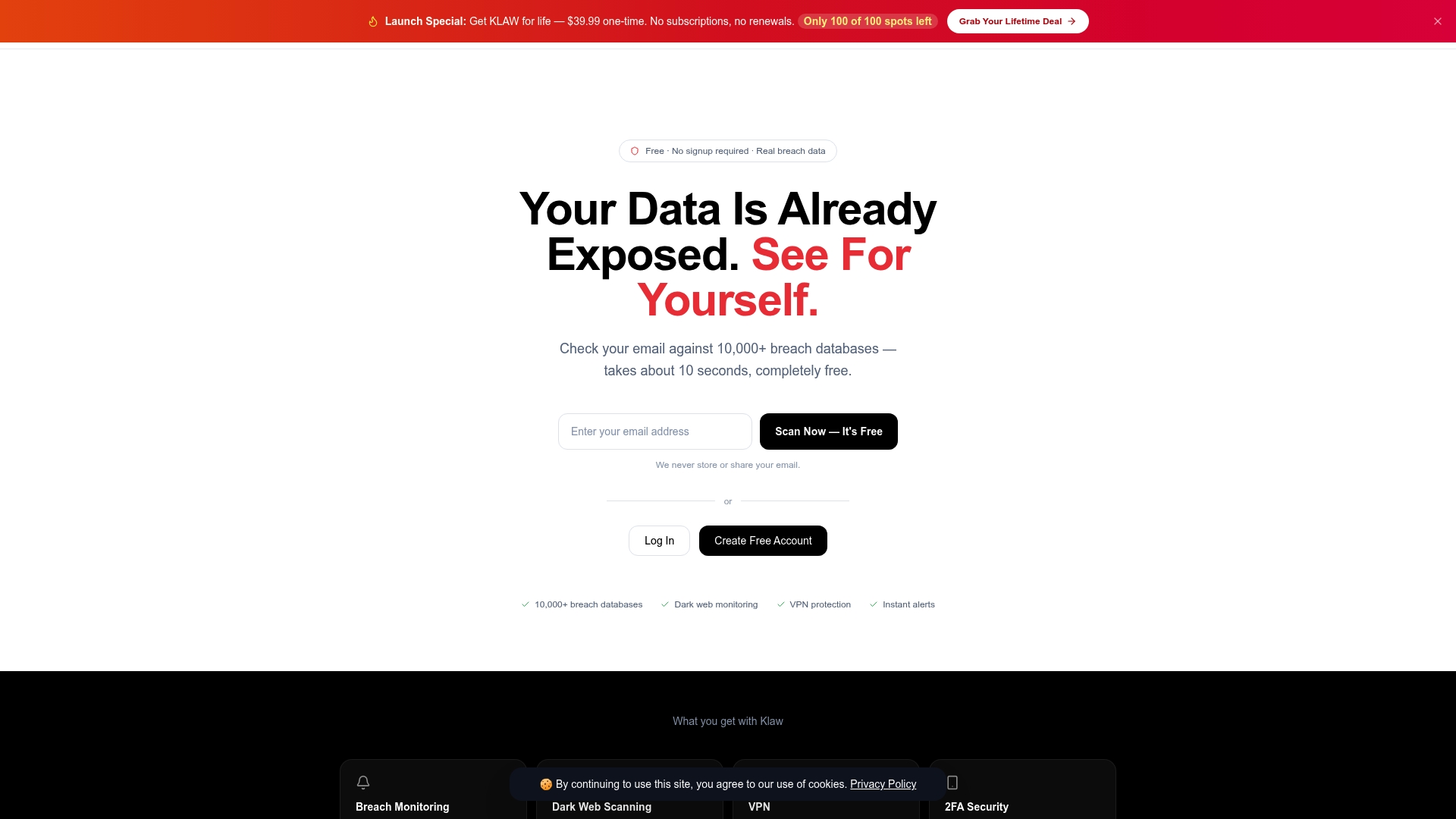
Klaw's Dark Web Alerts service scans over 10,000 breach databases and monitors dark web sources where stolen credentials are traded before they go public. Setup takes minutes, alerts arrive in real time, and there are no hidden fees or subscription traps. If your email appears in a new breach, you know about it immediately with enough detail to act fast. For anyone who has already secured accounts after a leak, adding dark web monitoring is the logical next layer of defense.
FAQ
What does it mean to check email breach exposure?
Checking email breach exposure means querying your email address against known breach databases to see if your credentials were leaked in a data breach. Tools like Have I Been Pwned return the breach name, date, and data types exposed.
Is have i been pwned safe to use?
Have I Been Pwned is a widely trusted, security-community-vetted tool that does not store your email address after the lookup. It returns only confirmed public breach data, not speculative findings.
What should i do first after finding my email in a breach?
Secure your email account immediately by changing the password and enabling two-factor authentication. Your email controls password resets for every other account, so it is the highest-priority target.
How often should i check for email data exposure?
Register for automated breach alerts through HIBP's NotifyMe or a service like Klaw rather than running manual checks. Continuous monitoring catches new breaches as they are added, which manual checks cannot do reliably.
Does a breach result mean my account is currently hacked?
No. A breach result shows your data appeared in a past leak, not that your account is actively compromised right now. Treat it as a prompt to update passwords and audit your account settings.